Why DreamTap Instead of Other Dream Apps?
There are many dream journal apps. Most fail at the same thing: they're too slow when you need them most—half-asleep at 3AM with a fading dream. Here's what makes DreamTap different.
The 30-Second Answer
- ✓Instant capture — One press of the Action Button, start talking
- ✓Sleep-friendly — Auto-dim and auto-silence keep your room dark and quiet
- ✓Private by default — Your dreams stay on your device. No account required.
- ✓AI that helps — Transcription, dream art, and insights without cloud surveillance
- ✓Built for habit — Simple enough to use every night, not just when motivated
What Actually Matters in a Dream Journal App
Before comparing apps, it helps to know what makes the difference between a journal you'll use for years versus one you'll abandon after a week.
Capture Speed
Dreams fade within minutes of waking. If you need to unlock your phone, find the app, and tap through menus, you've already lost half the dream. The best apps let you record in under 3 seconds.
Privacy
Dreams are deeply personal. You should know exactly where your data goes. Does the app require an account? Is data stored in the cloud? Can you export or delete everything?
Sleep-Friendly Design
Bright screens and loud sounds at 3AM disrupt your sleep cycle and make it harder to fall back asleep. Good dream apps minimize light and sound during capture.
Habit Support
Dream recall improves with consistency. The app should make journaling so effortless that you'll do it even when tired. Complexity kills habits.
How DreamTap Compares
A honest look at what DreamTap does well—and what other apps might do differently.
| Feature | DreamTap | Typical Apps |
|---|---|---|
| Capture method | Voice via Action Button | Text input after unlocking |
| Time to start recording | 1 button press | 10-30 seconds |
| Screen brightness | Auto-dims to near-black | Regular brightness |
| Sound feedback | Auto-silences during recording | Normal sounds/haptics |
| Account required | No | Usually yes |
| Data storage | On-device only | Cloud sync (their servers) |
| AI transcription | Yes, with privacy controls | Varies |
| AI dream art | Yes, unique per dream | Rare |
| Daily insight | "Sentence of the Day" | Dream dictionaries |
| Social features | No (privacy focus) | Some have sharing |
Note: "Typical Apps" represents common patterns across dream journal apps. Individual apps vary. Last updated: January 2026.
What Makes DreamTap Different
The Fastest Capture Flow
One button press, start talking
Most dream apps require you to: wake up → find your phone → unlock it → find the app → tap "new entry" → start typing. By then, you've lost critical details.
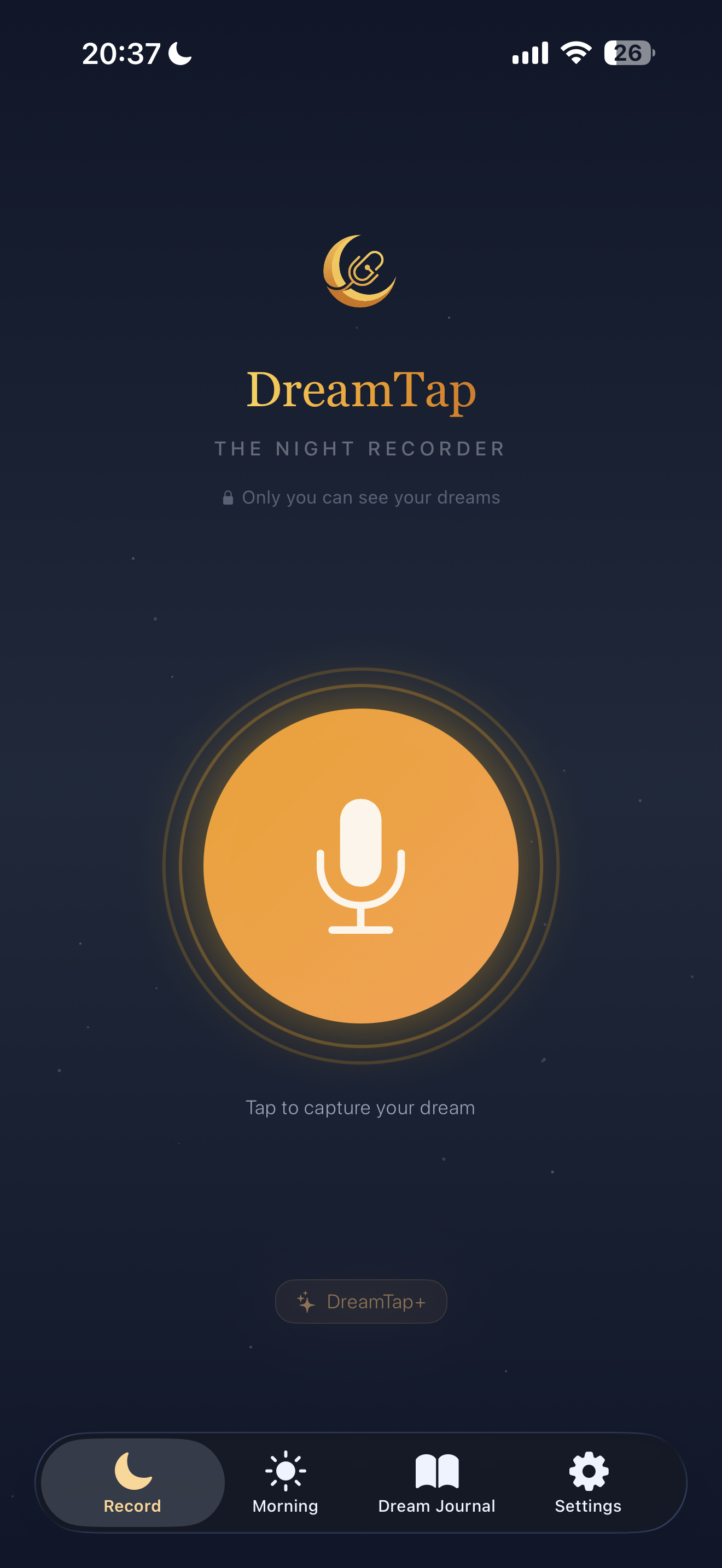
DreamTap works with your iPhone's Action Button. One press and you're recording—eyes still closed if you want. Your voice is transcribed automatically, so you capture everything while it's fresh.
This isn't a minor convenience. It's the difference between remembering 80% of your dream versus 20%.
Privacy Without Compromise
Your dreams never leave your device unless you want them to
Dreams can contain our deepest fears, desires, and secrets. Many apps store your journal on their servers, require accounts, or use your data for "improving their AI."
DreamTap takes a different approach: no account required, no cloud storage, no data mining. Your dreams live on your iPhone, protected by iOS security. When you use AI features, you control what gets processed and what doesn't.
If you want to export your dreams? You get them in a format you own. If you want to delete everything? It's actually gone.
Designed for 3AM
Sleep-friendly by default, not as an afterthought
When you wake from a dream, the last thing you want is a bright screen blasting light into your eyes or sounds disrupting your partner's sleep.
DreamTap automatically dims to near-black when recording starts and silences all audio feedback. You can whisper your dream in the dark, then drift back to sleep without fully waking up.
This matters because the best dream journals are the ones you'll actually use every night—not just when you're motivated.
Stops when you stop
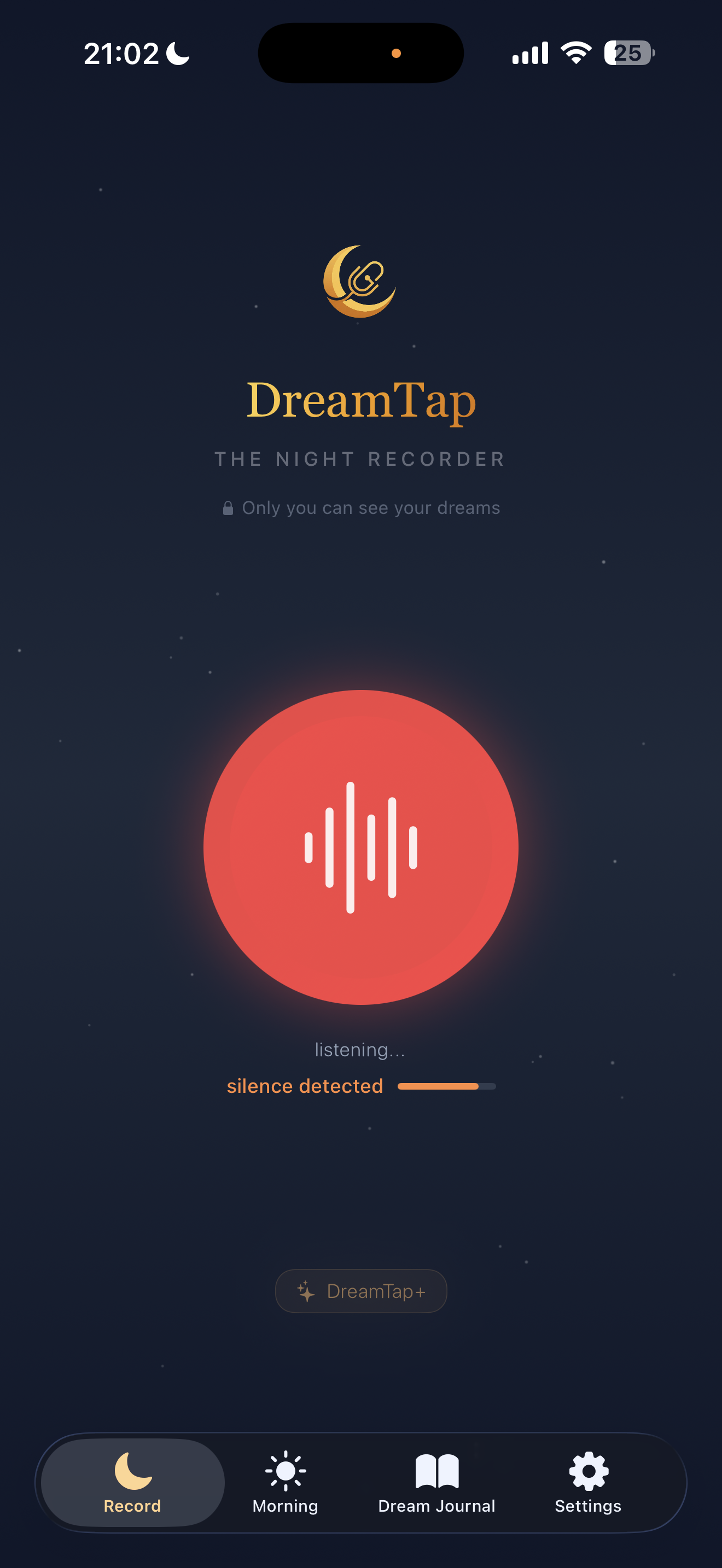
Auto-silence detection means you never have to touch your phone again. Just talk, pause, and DreamTap handles the rest.
One-Tap Start
Start recording from the Action Button or home screen. No need to unlock or navigate.
Just Talk
Mumble your dream while half-asleep. No buttons, no tapping, no thinking.
Auto-Stop Magic
When you stop talking, recording stops automatically. Fall back asleep instantly.
"Tap record, drift off, wake up to your dreams."
Record without lighting up the room
Auto-dim keeps your screen dark while recording. No bright light to wake you—or your partner.
Screen dimmed
Recording continues...
Try it yourself
Tap to enable auto-dim
One-Time Setting
Enable once in settings. From then on, the recording screen is always dim when DreamTap opens.
Keep Recording Visible
Don't want to lock your phone? Auto-dim lets you see that it's still recording.
Partner-Friendly
No bright screen lighting up the bedroom. Record your dreams in peace.
This is your Dream Card
One voice memo transforms into art, insights, and meaning.

"Embrace your journey of self-discovery, confronting and integrating all aspects of your being for a more balanced existence."
I was flying over a city made of glass, but it was in space.
The city of glass in space could be an archetypal symbol representing the Self, reflecting the dreamer's inner universe. Flying over the city represents the perspective of the ego...
Read full analysis →Every dream becomes a complete Dream Card — art, insights, and analysis included.
Is DreamTap Right for You?
DreamTap is great if you...
- ✓Want to build a consistent dream journaling habit
- ✓Care about privacy and keeping your dreams personal
- ✓Practice or want to learn lucid dreaming
- ✓Prefer voice recording over typing at 3AM
- ✓Want AI insights without surveillance
- ✓Use an iPhone (iOS only for now)
Another app might be better if you...
- •Want to share dreams publicly or join a community
- •Need cross-device sync across multiple platforms
- •Use Android (DreamTap is iOS only currently)
- •Prefer typing over voice recording
- •Want a traditional dream dictionary approach
Frequently Asked Questions
Is DreamTap really free?
Yes, the core journaling experience is free forever. DreamTap+ unlocks additional AI features like dream art and deeper insights for a subscription. You can journal indefinitely without paying.
How does the Action Button recording work?
On iPhones with an Action Button (iPhone 15 Pro and newer), you can set DreamTap as the action. When you wake from a dream, press the button once and start speaking immediately—no unlock, no app launch, no menus.
Where is my data stored?
All your dreams are stored locally on your iPhone, protected by iOS device encryption. Nothing is uploaded to our servers. When you use AI features, processing happens with privacy controls you choose.
Can I export my dream journal?
Yes. Your data belongs to you. You can export your entire dream journal whenever you want in a format you own and control.
Is DreamTap good for lucid dreaming?
Absolutely. Dream journaling is the #1 technique for developing lucid dreaming skills. DreamTap's fast capture helps you record more detail, which improves dream recall—the foundation of lucidity. Check out our Lucid Dreaming Guide for techniques.
When will Android be available?
We're focused on making the iOS experience exceptional first. Android is on our roadmap, but we don't have a release date yet. Sign up for updates on our website.
Ready to Remember Your Dreams?
Join thousands of dreamers who've made DreamTap their nightly habit. Free to start, no account required, private by default.